


Stay ahead of performance issues by focusing on the right database metrics.
Modern businesses depend on fast and reliable data. When a database slows down or fails, everything from web applications to warehouse systems can grind to a halt. That is why database monitoring is more than a technical exercise. It is a proactive approach that helps companies protect performance, maintain uptime and deliver better experiences for both staff and customers.
This guide explores the key database metrics to monitor and how organisations can stay ahead of issues before they affect operations.
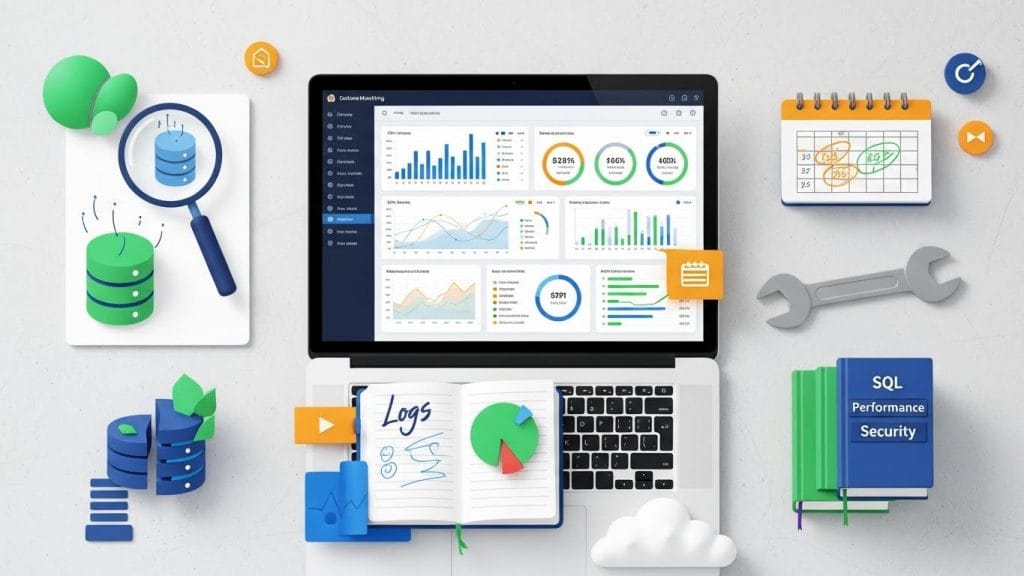
Why Database Monitoring Matters?
Database monitoring isn’t just a technical task, it’s how teams stay one step ahead of performance issues. When you’re able to spot inefficient queries, system overloads, or storage running low before things break, you protect your users from slowdown or downtime.
Instead of rushing to fix a problem after everything has already gone wrong, performance tracking helps keep systems stable, responsive, and ready for whatever comes next.
Some of the real-world benefits include:
- Better and faster application performance
- Fewer stressful emergency incidents
- More accurate and predictable resource planning
- Higher user and customer satisfaction
- Stronger security and compliance across the board
In short, being proactive always costs less, and feels a lot better, than trying to recover from a critical failure when the clock is ticking and customers are waiting.
Key Database Metrics to Monitor for Optimal Performance
Effective database monitoring goes beyond just watching numbers, it is about understanding how your system behaves, spotting potential issues early, and keeping operations running smoothly. To ensure optimal efficiency, security, and reliability, it is essential to track the key database metrics to monitor across several critical areas:
1. Performance Metrics
Keeping a close watch on how your queries behave and how quickly your database responds is essential for smooth operations. Performance tracking and query analysis help identify bottlenecks and slow queries before they impact your applications. Key areas to monitor include:
- Query execution times and frequency
- Delays or waits in processing
- Slow transactions affecting user experience
- Unexpected spikes during peak workloads
By regularly monitoring these indicators, teams can optimise database performance, ensure consistent application responsiveness, and maintain a high-quality experience for users across varying workloads. Proactive database monitoring here is the difference between reacting to problems and preventing them.
2. Resource Utilisation
CPU, memory, disk I/O, and network usage are critical indicators of database health. Database monitoring of these resources helps teams understand how the system handles current workloads and where adjustments might be needed. Sudden spikes or consistently high usage can point to inefficiencies, potential bottlenecks, or the need for scaling to meet growing demand.
Proactive performance tracking allows businesses to optimise resource allocation before problems arise. By keeping an eye on these metrics, IT teams can prevent slowdowns, avoid costly downtime, and ensure that applications remain responsive. Efficient resource management also supports long-term growth by providing clear insights for capacity planning and system tuning.
3. Availability and Health
System uptime, backup success, and error tracking are critical to keeping your database reliable. Effective database monitoring ensures that services remain accessible and data is protected. Key factors to track include:
- Frequency and success of automated backups
- Error logs and system alerts
- Downtime incidents and recovery time
By monitoring these health indicators, IT teams can detect anomalies early, reduce downtime risks, and maintain a resilient environment. Consistent tracking also improves confidence in system reliability for both internal teams and end-users.
4. Security Metrics
Database security is essential for protecting sensitive data and maintaining business integrity. Database monitoring of access logs, user privileges, and failed login attempts helps identify unauthorised activity before it escalates. Regular checks ensure compliance with industry standards and reduce the risk of data breaches.
By integrating security monitoring into your database management strategy, organisations can maintain robust defenses against threats. Continuous oversight not only safeguards information but also builds trust with users and clients. Combining performance tracking with security vigilance ensures operational efficiency while protecting sensitive data, creating a reliable and resilient database environment.
5. Activity and Usage
Tracking database activity, including connections, sessions, and user interactions, provides valuable insight into system usage. Regular database monitoring and query analysis help teams identify patterns, detect anomalies, and optimise workloads effectively.
With these metrics, businesses can plan for future growth, allocate resources efficiently, and maintain a smooth user experience. Combining performance tracking with usage analysis ensures that databases remain responsive, reliable, and ready to meet evolving business needs while supporting proactive decision-making.
How to Track SQL Performance Effectively?
Tracking SQL performance isn’t about monitoring every single metric, it’s about collecting the right insights and taking action before small issues turn into major problems. Effective database monitoring combines real-time observation, historical data, and expert analysis to provide a complete view of your system’s health.
Key practices include:
- Real-time monitoring: Instantly detect slow queries, bottlenecks, or unusual spikes in activity.
- Historical performance tracking: Analyse trends and recurring issues over time to plan improvements.
- Automated alerts: Receive notifications when thresholds are exceeded, so you can act quickly.
- Expert oversight: Prioritise issues based on impact and optimise system performance proactively.
Incorporating query analysis alongside performance tracking ensures teams can respond efficiently, reduce downtime, and maintain smooth, responsive applications. By focusing on meaningful insights rather than overwhelming data, organisations can optimise SQL operations, improve resource utilisation, and create a more resilient, high-performing database environment that supports growth and user satisfaction.
Proactive Database Management Tips

Maintaining a high-performing database is about habits, not just fixing issues when they occur. Consistent database monitoring and performance tracking help teams identify potential problems early and keep systems running smoothly.
1. Regular Performance Reviews
Instead of waiting for failures, review database performance metrics frequently. Tracking query efficiency, response times, and resource usage allows teams to detect anomalies early and address bottlenecks before they impact users.
2. Optimise Indexing Strategies
Keeping indexing strategies up to date ensures queries run faster and improves overall system efficiency. Regular query analysis helps identify areas where indexes can be adjusted or added to boost performance.
3. Apply Updates and Security Patches
Timely application of software updates and security patches reduces vulnerabilities. Regular maintenance ensures compliance and protects the integrity of your database.
4. Capacity Planning
Monitor usage trends and plan capacity based on real-world data. Anticipating growth prevents unexpected slowdowns and ensures resources are allocated efficiently.
5. Schedule Maintenance Strategically
Perform maintenance tasks during low-traffic periods to minimise disruption. Proactive planning keeps your database available and responsive, maintaining a seamless user experience.
By following these practices, teams can ensure long-term database stability, improved responsiveness, and reliable performance that supports growth and user satisfaction.
Final Thoughts
Database monitoring is not just a technical responsibility. It is a vital part of business resilience. By paying attention to the most influential metrics, teams can prevent downtime, improve performance and ensure their data platform remains ready for future growth.
If your organisation needs help choosing the right tools, improving visibility or managing database performance more effectively, expert support can make the process faster and more reliable.
FAQs
What are the key database metrics to monitor for optimal performance?
To maintain efficiency, security, and reliability, you should track performance metrics like query execution times, response times, and waits; resource usage including CPU, memory, disk I/O, and network; availability and health indicators such as uptime, backup success, and errors; security metrics like access logs, privileges, and failed logins; and activity metrics including connections and sessions.
Why is performance tracking important for databases?
Performance tracking helps identify slow or inefficient queries, resource bottlenecks, and delays in real time. By monitoring these metrics, you can optimise database efficiency, improve response times, and prevent issues before they impact business operations.
How does query analysis help in database monitoring?
Query analysis allows you to examine top-performing and underperforming queries, detect blocking or deadlock behaviour, and optimise indexes. This ensures that your database runs efficiently and avoids unnecessary load on system resources.
What role does activity and usage monitoring play?
Tracking connections, sessions, and user activity helps identify trends, predict future resource needs, and spot unusual behaviour early. This enables proactive scaling and ensures consistent performance.
How does monitoring these metrics prevent downtime?
By observing performance, resources, health, security, and activity in real time, you can detect bottlenecks and anomalies early. This allows IT teams to take corrective actions before issues escalate into service interruptions.


